
New on the Mac App Store. RECAM is now on the Mac, as the camera or as the screen you watch from. Here’s everything that’s new. This guide is about the Mac as the camera.
Why a Mac Is the Loud One
RECAM plays the siren and the lullaby through the Mac’s current sound output: the one selected in System Settings → Sound → Output, or with the Sound control in the menu bar. Pick a Bluetooth speaker or a wired one there, and that’s where the sound comes out.
There’s no special Bluetooth setting to turn on. RECAM follows whatever macOS uses, and moves with it when the output changes.
A MacBook or iMac speaker is already bigger than a phone’s. A speaker the Mac drives can be far bigger. The siren is as loud as the speaker it plays through.
The Siren, Through a Big Speaker
An iMac in the living room, or a retired MacBook on the hall shelf, is the camera, on the Home Security profile. A Bluetooth speaker sits next to it.
You’re out. An alert comes in, you open the live view, and you see someone who shouldn’t be there. Press the siren and confirm. A loud alarm plays in that room, through the speaker, straight away.
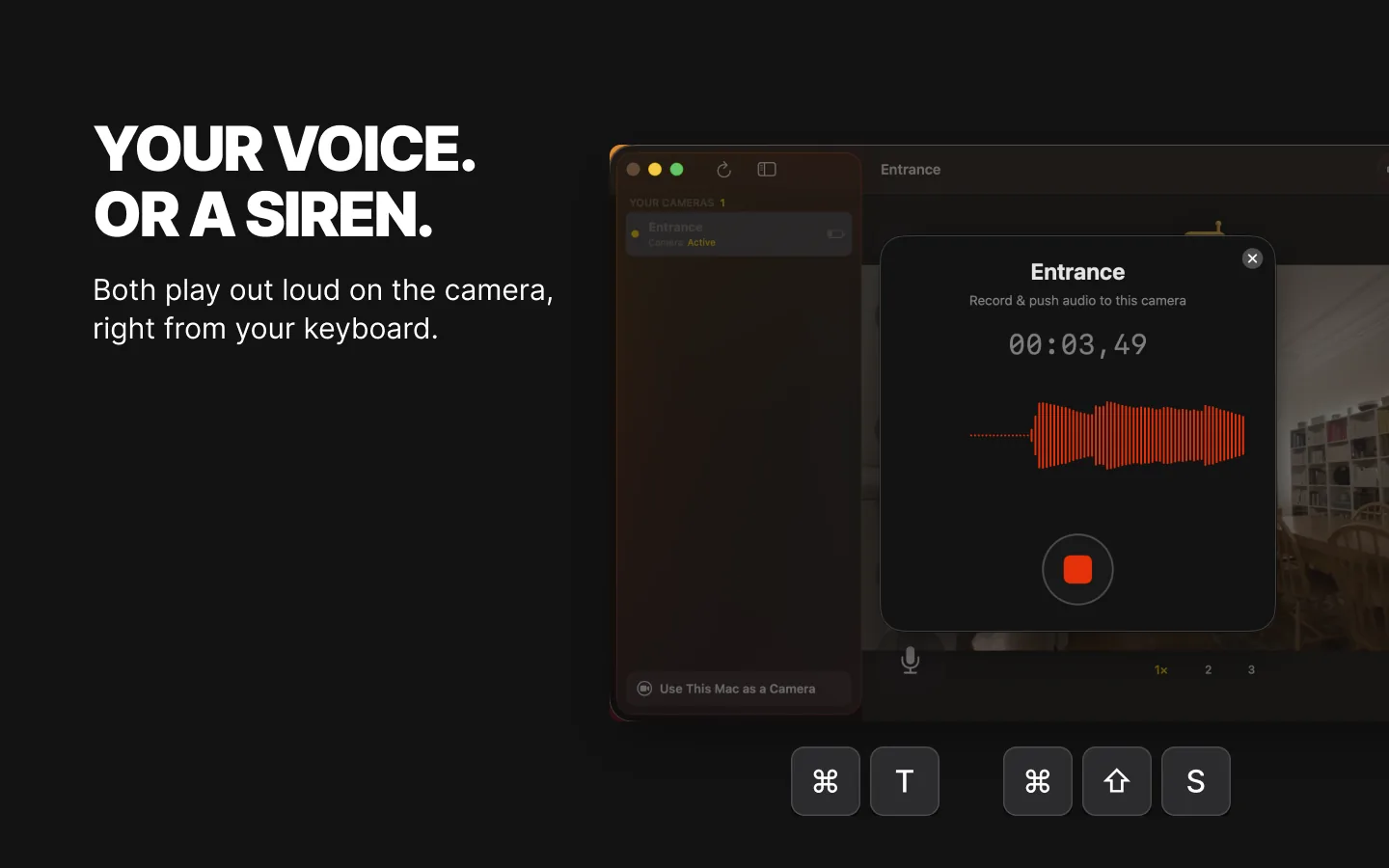
It loops until you turn it off, and stops by itself after 5 minutes. Sound it again if you need more. The people watching that camera get a notification when it starts and when it stops. Send a push-to-talk message (Pro) while it plays, and the siren pauses so your voice is heard, then picks up again. Sound alerts pause while it plays, since the siren would set them off.
RECAM doesn’t turn the Mac’s volume up for you: the siren plays at the Mac’s volume. That’s why the camera window shows a speaker badge with the output volume in percent, red below 80 %. If the volume is under 80 % when the camera starts, the people watching get a notification that the siren volume is low. Only someone at the Mac can fix it.
A Lullaby or White Noise in the Nursery
The Mac in the nursery, or in the room next door, is the camera, on the Baby Phone profile. You’re downstairs and the baby stirs. From your phone, pick Lullaby or White noise to soothe her. It plays in the room, on repeat, with no time limit, until someone turns it off.
It plays a little quieter than the Mac’s volume setting, so it stays in the background, and it never changes that setting. A voice message (Pro) pauses it, then it resumes, so your “shh, I’m coming” gets through. The other people watching get a notification when it starts and when it stops, handy when two parents share the camera.
Keep it at a moderate volume, and put the speaker away from the cot.
On the same camera, baby face monitoring tells you when your baby’s face is no longer visible to the camera, for example when it looks covered, and a baby crying is one of the sounds you can arm. RECAM keeps listening while the lullaby or white noise plays, so the sounds you armed still reach you. The rest is in the baby monitor guide.
Setup, Step by Step
- Make the Mac the camera. macOS 13 or later, plugged in, and a laptop’s lid open. The old Mac guide walks you through it, and the technical prerequisites list every device.
- Pick the profile. Home Security for the siren, Baby Phone for the lullaby and white noise.
- Connect the speaker. Pair it or plug it in, then select it in System Settings → Sound → Output.
- Turn the volume up. On the Mac, and on the speaker too if it has its own buttons.
- Check the speaker badge. RECAM’s camera window shows the output volume in percent. On a siren camera, keep it at 80 % or more, where it stops being red.
- Test it. From the device you watch from, at a time that won’t startle anyone.
The Honest Limits
- Bluetooth speakers switch off. Many turn themselves off after a while without sound. macOS then falls back to the Mac’s own speakers, so the siren plays there, quieter. Use a speaker that can stay on, or a wired one.
- The speaker has to stay the Mac’s sound output. If something else takes over, the sound goes there: another speaker, or AirPods or headphones that connect to that Mac. AirPods on your Apple Account can switch to it on their own, so turn that off for the camera Mac in its Bluetooth settings.
- Keep the volume up. The siren plays at the Mac’s volume, and the badge turns red below 80 %. Through a TV, a display or an amplifier over HDMI, the badge may not be able to read that device’s volume, and then shows 100 %. Set the volume on the TV or amplifier itself.
- 5 minutes per siren. It stops by itself. The lullaby and white noise run until you turn them off.
- No siren on a Baby Phone camera. Switch the profile if you need it, knowing that also changes what the camera detects.
- It’s Pro. The siren and the lullaby are both part of RECAM Pro.
- Mac awake and plugged in, a laptop’s lid open. A sleeping Mac plays nothing and films nothing. The display can sleep. The old Mac guide has the details.
- One room, not the whole house. It sounds where the Mac and the speaker are, so put the speaker where you want to be heard. Bluetooth reaches across a room. For longer distances, use a wired speaker.
What It Costs
Your first three days include live video and alerts. After that, both are part of RECAM Pro, a monthly or yearly subscription that also adds clip replay, the siren or a lullaby, and push to talk. One subscription covers your iPhone, iPad and Mac on the same Apple Account. Pro comes from the camera owner’s account, so the people they share a camera with need no subscription of their own.
FAQ
Does it work with a Bluetooth speaker?
Yes. RECAM plays through whatever the Mac uses as its sound output: a Bluetooth speaker, a wired one, a display’s speakers. Select it in System Settings → Sound → Output and turn the volume up.
Why did the siren come out of the Mac and not my speaker?
The Mac’s output changed. Many Bluetooth speakers switch off after a while without sound, and macOS falls back to the built-in speakers. Headphones or AirPods connecting to that Mac can also take over. Reselect the speaker, and use one that stays on, or a wired one.
How long does the siren last?
Until you turn it off, up to 5 minutes per trigger. You confirm before it sounds, and you can sound it again.
How long does the lullaby or white noise play?
Until someone watching turns it off. There’s no time limit.
Can a Baby Phone camera sound the siren?
No. On a Baby Phone camera, the button plays a lullaby or white noise instead. Switch the camera to Home Security or Pet Watcher if you need the siren.
Is it Pro?
Yes, the siren and the lullaby are both part of RECAM Pro. See What it costs above.
Can I make the siren louder than the Mac’s volume?
No. It plays at the Mac’s volume, so turn it up, and use a bigger speaker.
Give the Mac a Bigger Voice
The siren and the lullaby are one part of RECAM for Mac. Here’s everything that’s new, from keyboard shortcuts to the Mini Window.
The Mac that stays home already has a speaker. Give it a bigger one.
No account, no hub to buy, one QR scan.