
What Airbnb Allows
Airbnb tightened its camera rules on April 30, 2024. In short:
- Nothing indoors. No cameras or recording devices that monitor any part of the interior, hallway and living room included, even turned off, even between stays.
- Outside is allowed, if disclosed. Your listing description must say where each exterior camera is.
- Some outdoor spots are off-limits. No camera over an enclosed outdoor shower, a sauna or similar private spaces. Hidden cameras are never allowed.
Rules can change, so check Airbnb’s policy on cameras and recording devices before you set up.
Where to Put the Phone
Put the phone outside the listing, looking at the way in:
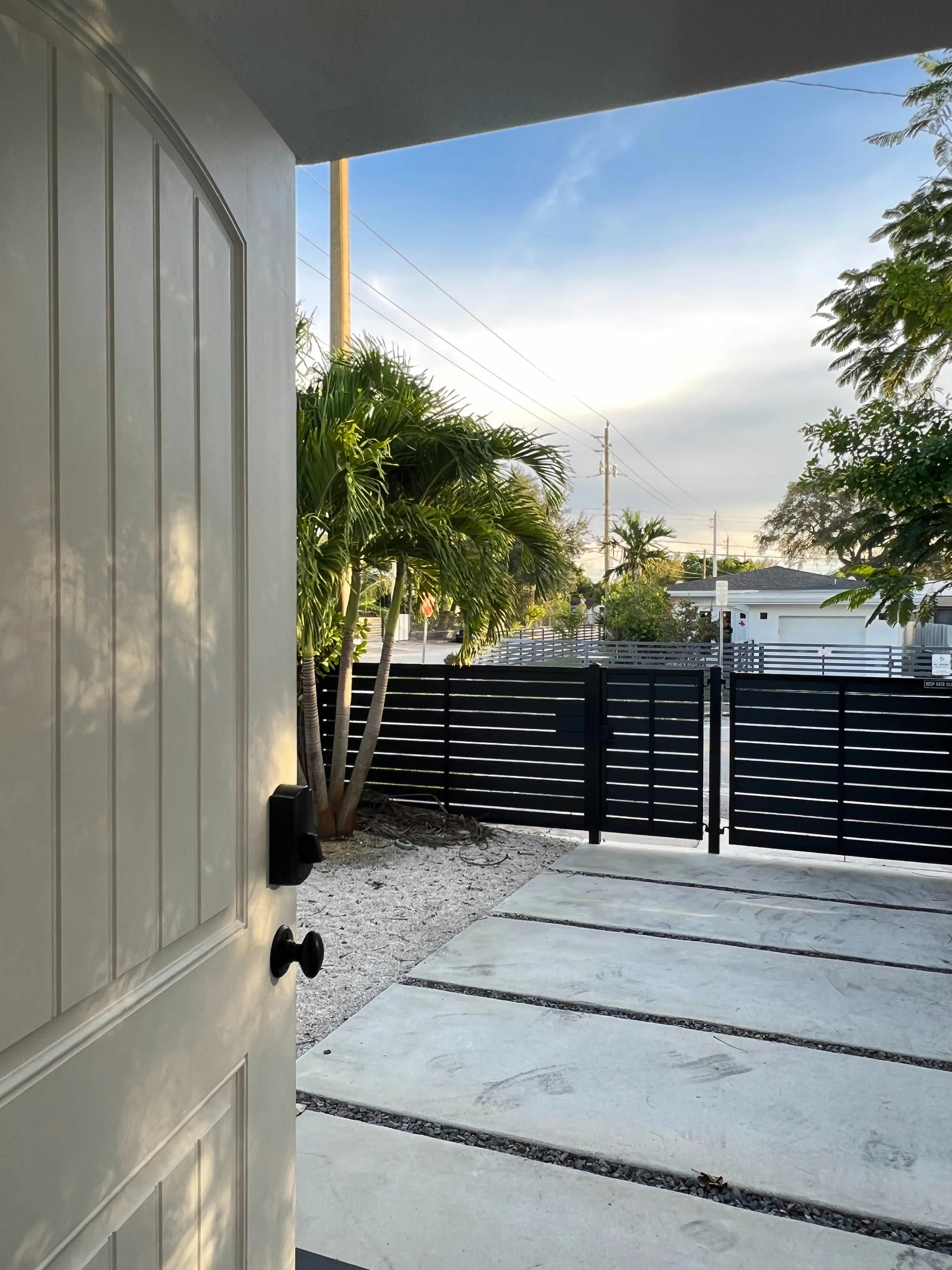
- A covered porch or a sheltered spot outside, facing the front door.
- A balcony or a spot in the garden that looks at the door.
- The driveway or parking spot.
- A host-only space that isn’t part of the listing, such as a locked garage or shed, looking out at the entrance.
Never inside the listing, not even switched off. A phone inside the apartment pointing out of a window is still a device inside the listing.
In an apartment building, the landing belongs to the building: check its rules before you put a camera there.
Phones aren’t weatherproof: pick a covered spot out of direct sun, keep it on a charger, and use a sturdy mount (see our guide to phone mounts). Aim at your own entrance, not at the street or your neighbors, and check local rules on filming outdoors.
Then disclose it. Add one line per camera to your listing description, for example: “Exterior camera with microphone at the front door (monitors the entrance only).”
What You Get at the Door
- Person and motion alerts. Detection runs on the camera device; you get a push alert when someone walks up.
- Sound alerts. 40+ sounds you can switch on, among them knocking, the doorbell, a slammed door and glass breaking.
- Encrypted live view. End-to-end encrypted: direct between your phones when your network allows, otherwise through a blind relay that can’t read or store it. Clips stay on the camera device, never in a cloud.
- Push to talk (RECAM Pro). Record up to 30 seconds and it plays at the door: “The key box is on the left.”
- Remote siren (RECAM Pro). Sound a loud siren on the camera device from anywhere to scare off someone who shouldn’t be there.
Detection alerts are part of RECAM Pro.
Your Own Studio, When It Isn’t Rented
Your own studio, office or second home that nobody rents is your space: put the phone inside, facing the door or your equipment. Once it’s listed on Airbnb, the indoor rule applies: take the phone out before the first guest arrives. Switching it off isn’t enough.
What It Costs
Free to start: live video and AI detection alerts are free for your first 3 days, with no payment details. Always included, with or without Pro: as many cameras as you own, on-device person detection, end-to-end encryption, no sign-up, and no hardware if you have a spare phone.
RECAM Pro is $4.99/month or $49.99/year. Try all of Pro for 3 days with the yearly plan’s free trial (monthly has none), then $49.99/year; cancel anytime. After your first 3 days, Pro keeps live video and detection alerts on, and it adds clip replay from anywhere, the siren, push to talk and extra viewers for a co-host or cleaner.
Set It Up Before the Next Booking
Install RECAM on the spare phone and on yours, scan the QR code, mount the camera phone outside facing the entrance, and add your disclosure line. You’ll know who comes to the door, and your guests will know what the camera covers.
FAQ
Is RECAM allowed on Airbnb?
Yes, as a disclosed exterior camera: at the front door or over the driveway, with its location in your listing description. Cameras that monitor indoor spaces are not allowed, even switched off.
Can I put it inside between stays?
No. Airbnb doesn’t allow devices that monitor indoor spaces, even turned off, and that includes the time between stays. Keep the phone outside the listing.
What do I write in my listing?
Say where each camera is, what it covers and that it records sound, for example: “Exterior camera with microphone at the front door (monitors the entrance only).”
Does RECAM record my guests?
Only at the entrance: guests coming and going will show up there, but nothing inside is filmed. Live view is end-to-end encrypted, and clips stay on the camera device, never in a cloud.
What does it cost?
Free to start, two ways. With no plan at all, live video and AI detection alerts are free for your first 3 days, with no payment details. Or, as a new subscriber, start the yearly plan’s free trial: every Pro feature for 3 days, including the remote siren, push to talk and clip replay, then $49.99/year unless you cancel at least 24 hours before the trial ends. Prefer monthly? $4.99/month, no trial, cancel anytime. After your first 3 days, RECAM Pro keeps live video and alerts on and adds the siren, push to talk, clip replay from anywhere and more viewers for a co-host or cleaner. One plan covers every camera you own.